
Performance · Page
Active Matter System Requirements: Can You Run It?
Active Matter system requirements as of September 21, 2026: the official minimum and recommended PC specs, the 45 GB SSD rule, laptop checks and Linux support.
Active Matter system requirements start at a 64-bit Windows 10 or 11 PC with a Core i5-6600 or Ryzen 3 1300X, 8 GB of RAM, a GTX 1050 Ti, RX 470 or ARC A580 class graphics card, 45 GB of free space on an SSD and a broadband connection. Those are the official minimums as of September 21, 2026, on current build 0.4.0.122, and the same listing publishes a recommended target one tier above them. Native Linux is supported and the game runs on Steam Deck, so Windows is not the only way in.
Minimum and recommended PC specs
The requirements block lives on the Steam store page in two tabs, Windows and SteamOS + Linux, and the Gaijin support site carries a second, matching copy of the Windows figures, so the numbers below are not a single-source claim. Nothing in the list is a suggestion: it describes the floor at which the game is expected to run at all, and below it no setting is promised. Read the storage column first, because on this game it is the row people get wrong.
| Component | Minimum | Recommended |
|---|---|---|
| Operating system | Windows 10/11 (64-bit) | Windows 10/11 (64-bit) |
| Processor | Core i5-6600 / Ryzen 3 1300X | Core i5-8700 / Ryzen 5 3600 |
| Memory | 8 GB RAM | 16 GB RAM |
| Graphics | GTX 1050 Ti / RX 470 / ARC A580 | RTX 2060 / RX 5700 XT / ARC A770 |
| Network | Broadband internet connection | Broadband internet connection |
| Storage | 45 GB available space, SSD required | 45 GB available space, SSD required |
| Other | Requires a 64-bit processor and operating system | Requires a 64-bit processor and operating system |
The two tabs differ only in the operating-system line. On Linux the minimum says any modern 64-bit distribution and the recommended names Ubuntu 26.04 64-bit, while CPU, memory, graphics, storage and network rows stay identical on both sides (Steam store page, accessed September 21, 2026). Both tables also repeat the same top line about requiring a 64-bit processor and operating system, which rules out 32-bit installs on either platform.
Can your laptop run it?
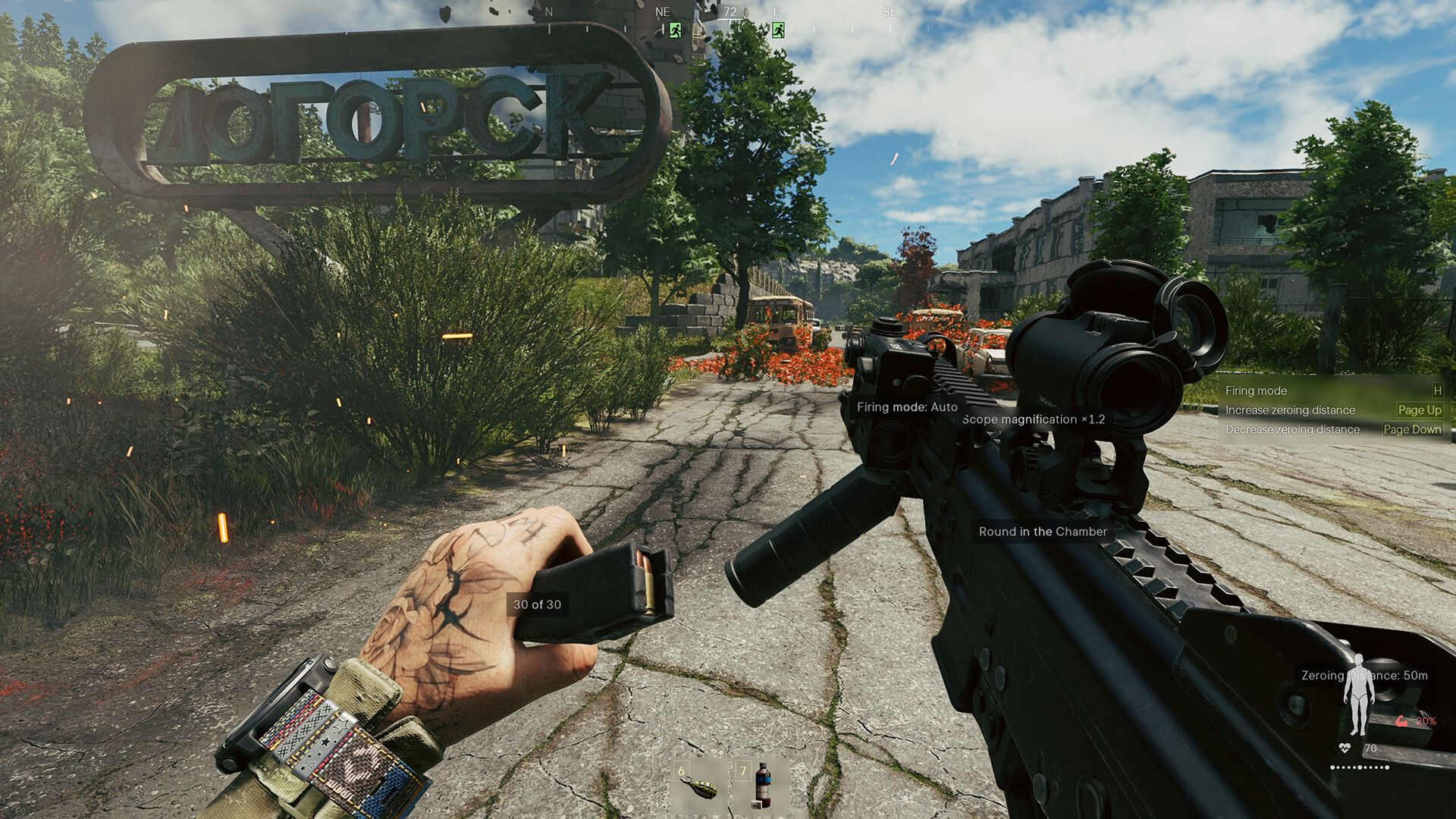
Because the tables name desktop parts and the store listing has no separate laptop section, the practical check is a model-by-model comparison: look up the exact CPU and GPU in your machine and place them against the rows above (single source, since the store page is the only place this table is published in full). A laptop chip at GTX 1050 Ti level is the floor and an RTX 2060 level chip is the target, while anything under 8 GB of RAM sits below the minimum outright. Storage type catches people out next: the listing says SSD required, so 45 GB free on a mechanical drive still fails the published spec.
Storage, download size and the SSD rule
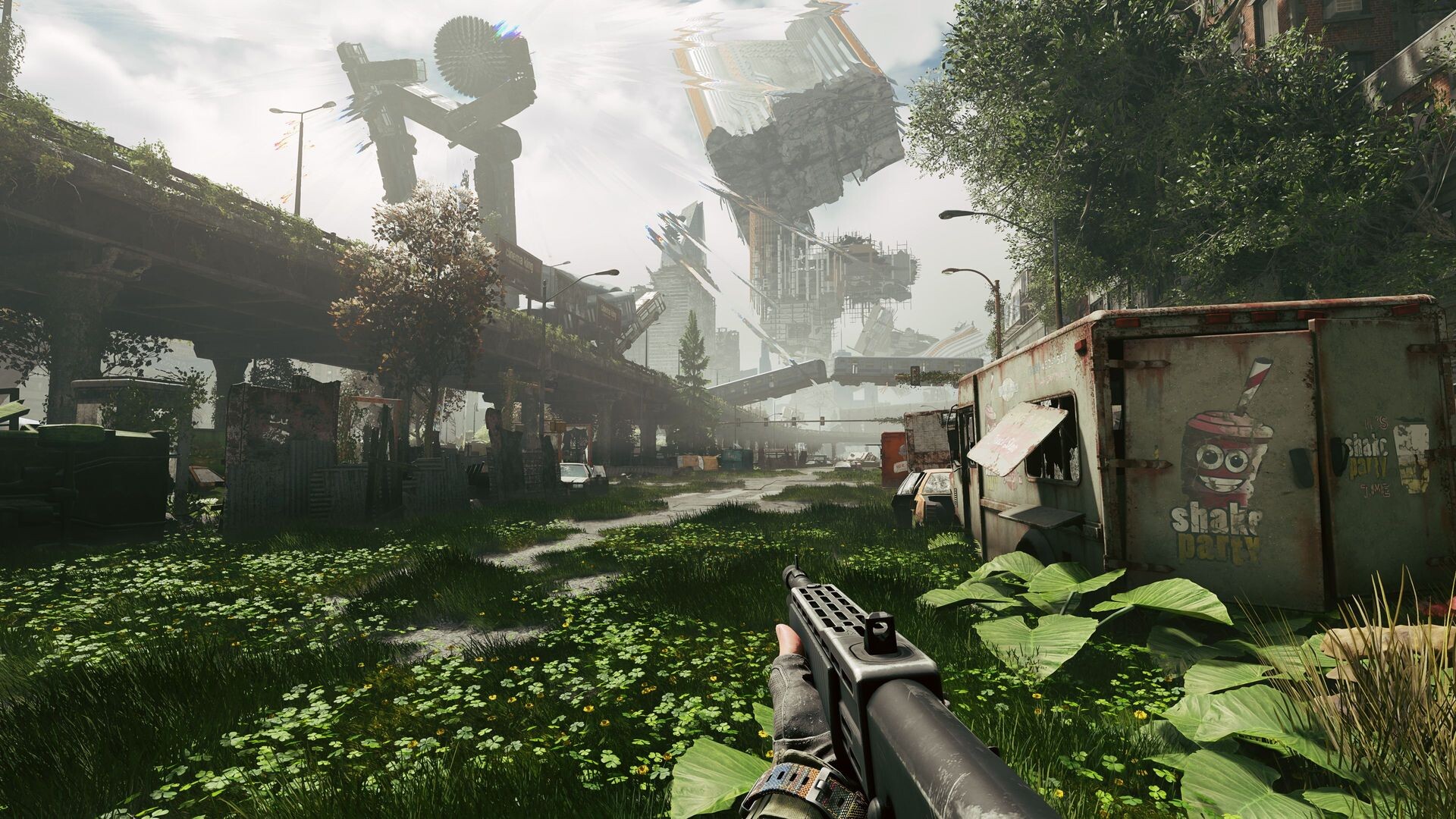
Forty-five gigabytes is the only storage figure the official pages publish, and it appears in both requirement tabs as available space rather than as a download size. Neither the store block nor the Gaijin support article splits the number into installer plus patches, so 45 GB of free space is what to budget before you start (to confirm). The SSD note sits inside the requirements block itself instead of a footnote, which matters most on laptops and small prebuilts where the system drive is also the smallest one.
The Gaijin support section also carries a How to Download the Game Client article beside the system requirements article (single source, accessed September 21, 2026), which is the documented path if you want the launcher build rather than the Steam one. Both routes install the same game, and PC progress is shared only between the Steam and Gaijin.Net versions, while console progress stays separate. Owners of the Gaijin Store Early Version also get the Steam version at no charge once the accounts are bound, with November 23, 2026 as the binding deadline, as covered on Steam account link.
Graphics and performance troubleshooting
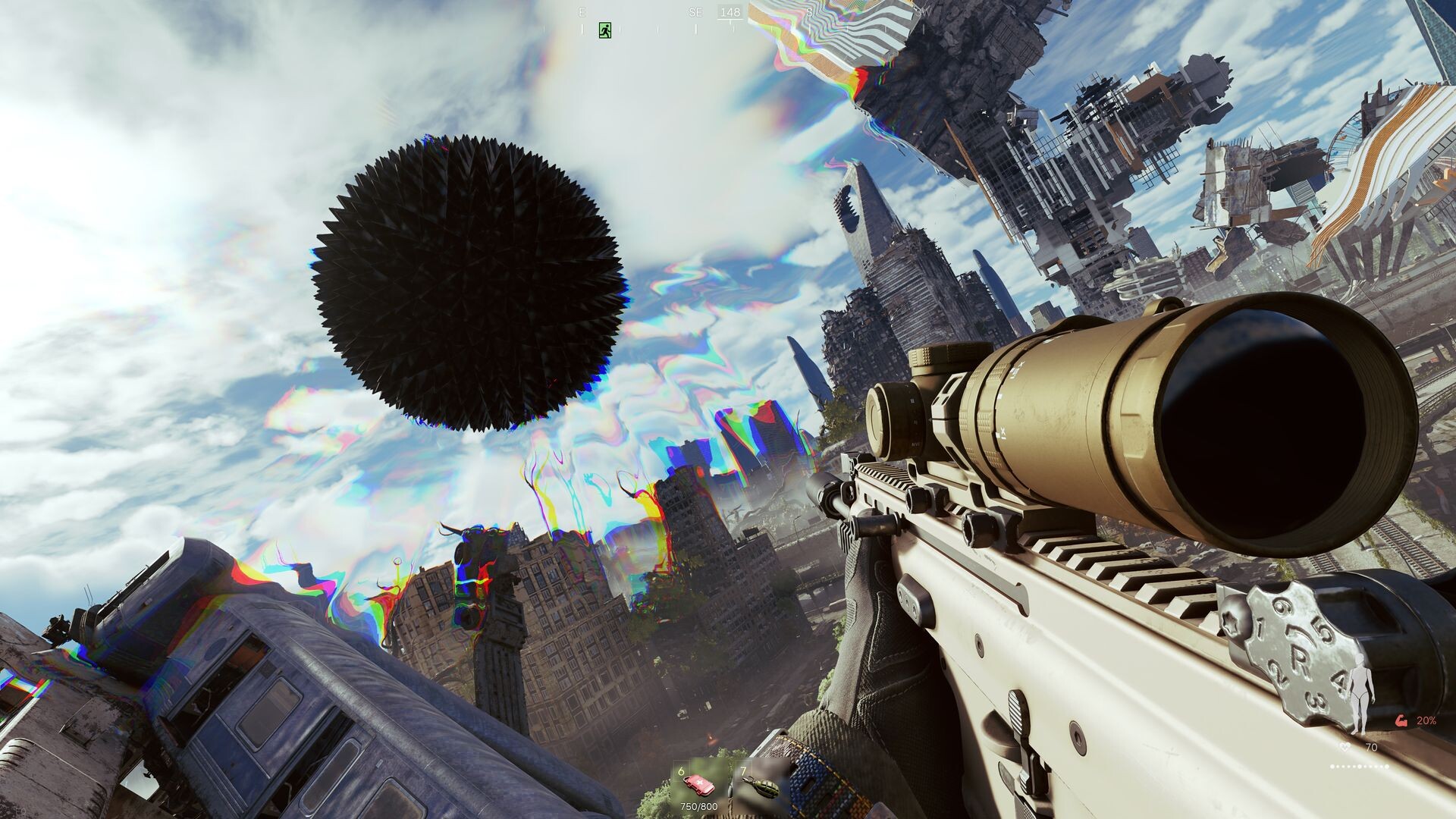
Two question shapes come up around the topic of this page more than any other: how to tone down the sun or glare effect, and full-screen graphical artifacts, the second of which shows up as a Russian-language query. Neither the official FAQ nor the Gaijin support article documents a setting or a fix for either one as of September 21, 2026, so there is no sourced answer to hand out (to confirm); the change log is the place to watch instead. The most recent performance work is Update 0.4.0.115 on September 17, 2026, which the studio describes as improved performance, reworked animations, multiple bug fixes, and updates to the interface and sound. The build after it, 0.4.0.122 on September 18, 2026, is an experimental Body Sleeve appearance-correction mode where the studio itself warns that spatial distortions may occur and that further adjustments are planned in later updates.
Not every visual oddity is a bug, though, and that difference decides where the effort goes. If what you are seeing looks like a rendering fault rather than a design choice, the documented route is the Gaijin support site, where a Bug reports article sits in the same section as the system requirements article (single source). Do that before a reinstall, because the requirements table already tells you whether your hardware is inside the supported floor.
Linux, Steam Deck and consoles
The store page lists Linux as a supported platform with its own requirements tab, and the official FAQ answers both questions directly: the game has native Linux support, and it runs on Steam Deck (both read September 21, 2026, current build 0.4.0.122). On a Steam Deck the hardware target is the same table above, so expect to tune settings rather than reach the recommended row. Consoles have no equivalent list to check, and PS5 and Xbox players are covered by their store listings and platform features instead.
FAQ
- Can my laptop run Active Matter?
- Compare the exact CPU and GPU in your machine against the official table read on September 21, 2026: the minimum is a Core i5-6600 or Ryzen 3 1300X, 8 GB RAM, a GTX 1050 Ti, RX 470 or ARC A580, and 45 GB free on an SSD. The store listing publishes desktop part names only, so a laptop has to match those numbers with its own mobile CPU and GPU.
- Does Active Matter require an SSD?
- Yes. Both the Windows and the SteamOS + Linux requirement tabs on the Steam store page list 45 GB available space and add "SSD required" in the additional notes, and the Gaijin support article repeats the same storage line (both read September 21, 2026, current build 0.4.0.122).
- What is the Active Matter download size?
- The only storage figure the official pages publish is 45 GB of available space with an SSD required (Steam store page requirements block, September 21, 2026). No separate download-size number appears in that block or in the Gaijin support article, so budget for 45 GB of free space rather than a smaller installer (to confirm).
- Does Active Matter run on Linux and the Steam Deck?
- Yes. The Steam store page carries a SteamOS + Linux requirements tab listing most modern 64-bit Linux distributions, and the official FAQ states native Linux support and that the game runs on Steam Deck (both read September 21, 2026, current build 0.4.0.122).
- What are the recommended specs for Active Matter?
- The recommended row on the Steam store page (September 21, 2026) asks for a Core i5-8700 or Ryzen 5 3600, 16 GB RAM, an RTX 2060, RX 5700 XT or ARC A770, 45 GB available space on an SSD and a broadband connection. The Linux tab recommends Ubuntu 26.04 64-bit with the same hardware.
References
- Home page - Active Matter - A mind-bending hardcore online ...
- Active Matter System Requirements
- Стоит ли покупать Active Matter?
- Active Matter The NEW Extraction Shooter You Need to Watch! Full Breakdown
Facts on this page are compiled from the references above. Items marked "to confirm" are single-source and not yet verified.